
Ceiling Fan Capacitor: What It Does and Why It Fails
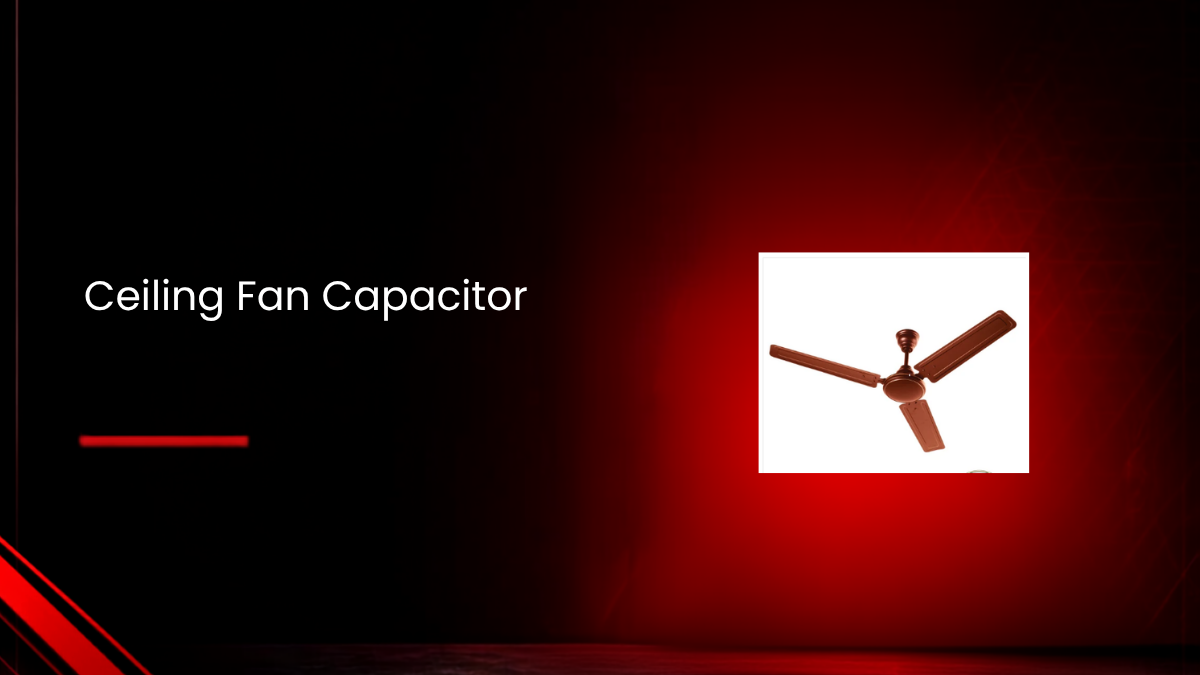
A ceiling fan that hums but won't spin, or runs painfully slow on every speed, is seldom a motor problem at its core. In most cases, the real culprit is a small, easily overlooked component: the ceiling fan capacitor.
This tiny part plays an outsized role in how your fan starts, runs, and changes speed. Understanding what a ceiling fan capacitor actually does makes diagnosing and fixing these common issues far less confusing.
This guide explains how a ceiling fan capacitor works, the signs it's failing, and how to test and replace one safely. And if your fan is beyond a simple capacitor swap, Rico's range of ceiling fans is worth considering for a reliable replacement.
What Is a Ceiling Fan Capacitor?
A ceiling fan capacitor is a non-polarized AC capacitor built into the motor circuit of your fan. Its job is to create a phase shift between the motor's windings, giving the fan the torque it needs to start spinning and keep running smoothly.
Most ceiling fans use what's called a PSC motor, short for Permanent Split Capacitor motor. As the name suggests, the capacitor stays permanently connected while the motor runs, and it often does double duty by setting different speed levels too.
Typical specifications for a ceiling fan capacitor include:
-
Capacitance: Usually between 1 and 4.5 microfarads (µF) per section, sometimes combined values like 1.5 µF plus 3 µF
-
Voltage rating: Commonly 250 VAC or 450 VAC
-
Material: Metallized polypropylene film, chosen for its self-healing and low-loss properties
-
Form factor: A small plastic box or cylindrical unit with multiple coloured wires
Why Your Fan Actually Needs a Capacitor
Household electricity supply is single-phase, which on its own can only create a pulsating magnetic field, not a rotating one. Without a rotating field, the motor has no way to generate the torque needed to start spinning.
To solve this, the motor uses two windings, a main winding and an auxiliary winding, with the ceiling fan capacitor connected in series with the auxiliary winding. This causes current in the auxiliary winding to shift out of phase with the main winding, effectively creating a rotating magnetic field that gets the rotor moving.
How the Capacitor Controls Fan Speed
Many ceiling fans offer three to five speed settings, and in most modern designs, this speed control comes directly from the ceiling fan capacitor rather than a separate resistor-based regulator.
The relationship is straightforward: higher capacitance produces more phase shift and current in the auxiliary winding, resulting in more torque and higher speed. Lower capacitance produces less torque and a slower speed.
This is why many ceiling fan capacitors are built with multiple sections, for example 1.5 µF for low speed, 2.5 µF for medium, and 3.5 µF for high. The fan's speed switch or electronic control simply selects which section connects to the motor.
Types of Ceiling Fan Capacitors
Understanding which type your fan uses helps when it's time for a replacement.
Single-value capacitors: Marked with one figure, such as 2.5 µF 450VAC, with just two wires. These are used in single-speed fans or as one section of a larger, multi-value unit.
Multi-value capacitors: Marked with combined values, such as 1.5 µF + 3 µF 250VAC, with three or more wires. Each value corresponds to a different speed setting, and this is the most common type found in modern multi-speed fans.
When buying a replacement ceiling fan capacitor, three specifications matter most:
-
Capacitance (µF): Must match your fan's original design exactly
-
Voltage rating (VAC): Should equal or exceed the original rating, for example, replacing a 250 VAC unit with a 250 or 450 VAC one, never lower
-
Temperature tolerance: Fans installed in hot ceilings or humid climates benefit from capacitors rated for a wider operating temperature range
Common Signs of a Failing Ceiling Fan Capacitor
Recognising these symptoms early helps you diagnose the issue quickly, rather than assuming the entire motor needs replacement.
-
Fan hums but doesn't start: You hear the electrical hum, but the blades stay still. If gently pushing the blades gets them spinning, the capacitor is the likely cause, since the motor lacks the phase shift needed for starting torque.
-
Fan runs slowly on every speed setting: This typically points to a capacitor that has lost capacitance over time, reducing torque across all speed levels.
-
Some speeds work, others don't: In a multi-value capacitor, individual sections can fail independently, so one speed setting may stop working while others continue functioning normally.
-
Overheating, buzzing, or unusual smell: A failing capacitor can cause extra heating in the windings and audible buzzing, sometimes tripping the motor's thermal cutoff.
How to Test a Ceiling Fan Capacitor Safely
Before testing, always turn off power at the circuit breaker, not just the wall switch, and confirm there's no voltage present using a meter or tester.
Visual inspection: Check for a bulging or swollen case, visible cracks, burn marks, or any leakage. Any of these signs point directly to a failed capacitor.
Capacitance measurement: If you have a multimeter with a capacitance mode, disconnect at least one lead of the capacitor to isolate it, then measure between the appropriate wire pairs and compare the reading to the printed µF value. A reading more than roughly 10% off the labelled value suggests that section has failed.
Symptom-based testing: If testing tools aren't available, replacing the capacitor with a known-good unit of matching specifications is often the most practical way to confirm the diagnosis.
How to Replace a Ceiling Fan Capacitor
Replacing a capacitor is electrically straightforward, though careful attention to wiring detail matters.
1. Turn off power at the breaker, and confirm the fan and light no longer respond.
2. Let the fan sit for a few minutes, allowing any residual charge in the old capacitor to dissipate.
3. Photograph the wiring from multiple angles before disconnecting anything, noting which wires connect to the capacitor, motor leads, and switch.
4. Remove the old capacitor, unscrewing or unclipping it from its mounting bracket and gently disconnecting the wires.
5. Choose a matching replacement, with the same capacitance values, equal or higher voltage rating, and a compatible wire count.
6. Install the new capacitor, matching wire colours and terminals exactly as photographed, and securing it firmly to prevent vibration.
7. Restore power and test all speeds, listening for unusual buzzing and checking that the motor housing doesn't feel excessively hot after a few minutes of running.
Why Using the Wrong Capacitor Value Is Risky
It's tempting to substitute whatever capacitor is on hand, but mismatched values genuinely affect performance and safety. A capacitor with too low a value results in weak torque, slower speed, and potential overheating. One with too high a value can push excess current through the auxiliary winding, risking overheating or unusual noise.
Always match the original capacitance printed on the fan or the old capacitor itself, and never use a voltage rating lower than the original specification.
Is It Dangerous to Keep Using a Fan with a Failing Capacitor?
Yes, genuinely. Some people manually spin the blades to get a struggling fan started, but this isn't a safe long-term workaround. A failed capacitor forces the motor to draw current without a properly rotating magnetic field, which can cause overheating and gradually degrade the motor's internal insulation.
Replacing the capacitor promptly is the safer, more reliable fix rather than relying on manual starts.
Capacitor vs Regulator: What's the Difference?
These two components work together but serve different roles. The ceiling fan capacitor sits within the motor circuit itself, directly shaping the phase shift and torque that make the blades spin. The regulator, whether a wall switch or remote-based control, determines which capacitor value or combination gets connected at any given time.
Understanding this distinction helps when diagnosing speed issues, since a problem could originate from either the capacitor itself or the switch mechanism controlling it.
Choosing a Fan Built with Reliable Components
Motor and component quality directly affect how long your fan performs consistently before capacitor issues arise. Rico's Oric CF2305, a 1200mm BEE 1-Star ceiling fan, features a CCA winding motor built to maintain steady performance even during voltage fluctuations, paired with pre-greased double ball bearings for smoother, longer-lasting operation.
Similarly, the Oric CF2307, a 1200mm BEE 1-Star ceiling fan, offers the same reliable motor technology in a decorative Aluminum and CRCA body, backed by a 2-year replacement warranty.
Building a Well-Maintained Cooling Setup
Understanding your fan's capacitor is just one part of keeping your home cooling setup running reliably. If you also use compact, personal cooling options, our guide on portable fans covers alternatives worth considering alongside your ceiling fan.
For a broader look at equipping your home with dependable everyday appliances, our roundup of kitchen products covers other essentials worth considering as you plan your space.
Final Thoughts
The ceiling fan capacitor is a small, inexpensive component that plays a genuinely critical role in how your fan starts and runs. Most humming, slow-speed, or partial-speed-failure issues trace directly back to a worn or failed capacitor rather than a more serious motor problem.
Learning to recognise these symptoms, test the capacitor safely, and replace it with the correct matching values can save you from an unnecessary, more expensive repair or premature fan replacement.
Frequently Asked Questions
Q1. Can I use a ceiling fan capacitor with a different µF value than the original?
It's not recommended. Using a lower value results in weak torque and possible overheating, while a higher value can increase current in the auxiliary winding, risking overheating or noise. Always match the original capacitance.
Q2. Can I use a capacitor with a higher voltage rating than the original?
Yes, this is generally safe and often more robust. However, never use a capacitor with a lower voltage rating than the original specification.
Q3. Why does my fan only run on one speed after I replaced the capacitor?
This usually happens when only one section of a multi-value capacitor is wired correctly, or when the speed switch wiring itself is incorrect. Re-check your wiring against the original photos before use.
Q4. Are ceiling fan capacitors polarized?
No. A ceiling fan capacitor is a non-polarized AC film capacitor, meaning its wires can be connected in either orientation relative to the AC line, as long as they connect to the correct winding or speed tap.
Q5. How long does a ceiling fan capacitor typically last?
This varies based on ambient temperature, daily usage hours, and voltage stability in your area. In moderate conditions, a good capacitor can last several years, while hot climates or unstable power supply may shorten its lifespan.